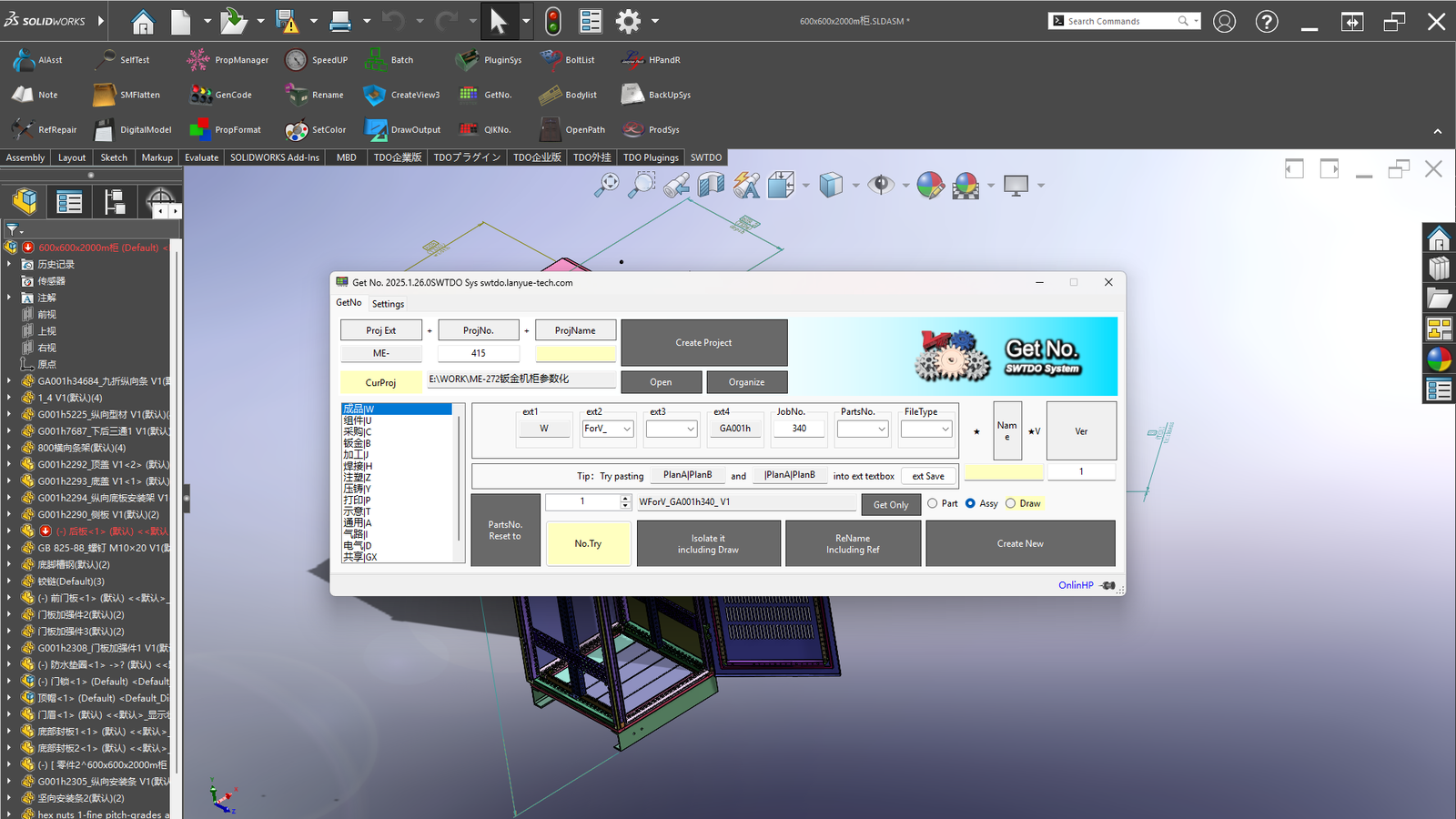
Faster design, earlier delivery
The Shortcut to Perfect Drawings — Get It Today
Stop Manual Repetition. Start Batch Automation.
Choose the Plan That Fits You
Monthly Plan
- ✅ Internet Required
- ✅ Unlimited Computers
- ✅ Free Updates
Best for Trial
Yearly Plan
- ✅ Internet Required
- ✅ Unlimited Computers
- ✅ Free Updates
- 💰 Save 13% vs Monthly
Most Popular
Node-Locked
- ❌ No Internet Required
- ✅ Locked to One Computer
- ✅ Free Updates
For Offline Users
Always-Online Perpetual Plan
- ✅ Internet Required
- ✅ Unlimited Computers
- ✅ Free Updates
Best for Solo Entrepreneurs / One-Person Companies
Product Features
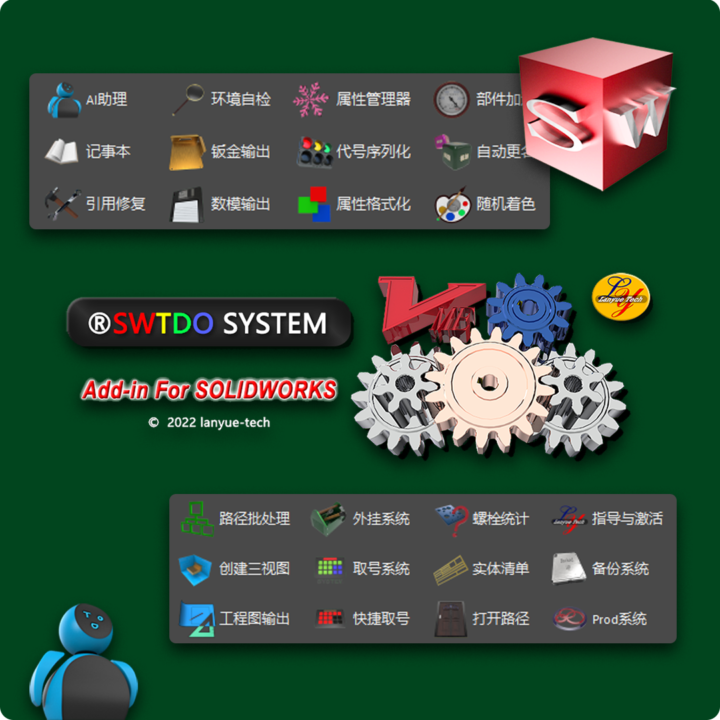
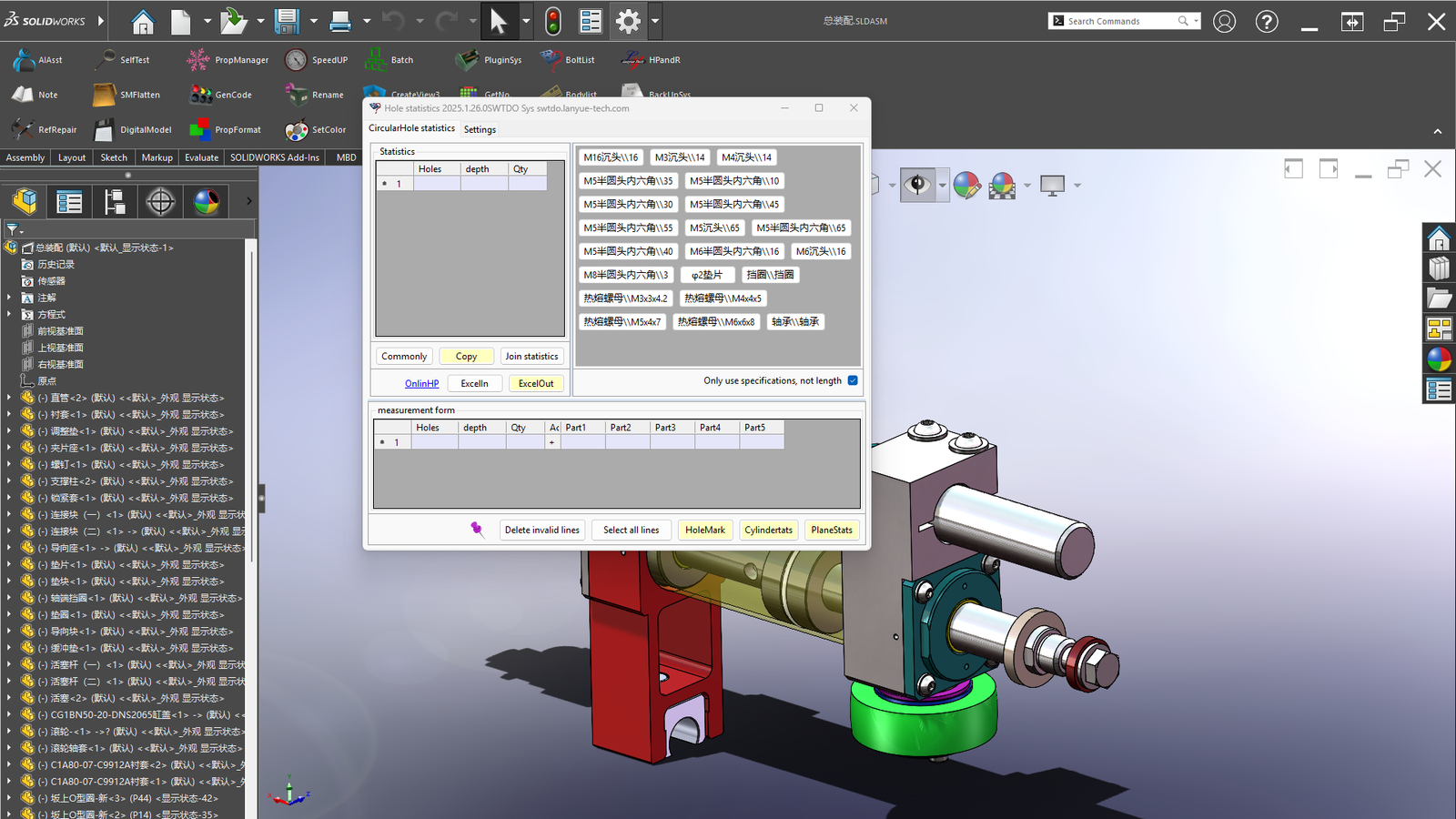
⚙️ Batch Processing
6 Categories of Batch Processing: Assembly components, path components, part entities, assembly cut lists, part faces, and drawing views.One button saves you at least 30 minutes of work.
🌍 Universal Compatibility
If you use SolidWorks, no matter what industry you’re in, every tool is relevant to you.
📐 Formatting
Versatile template-based customization — batch output formatted according to your company’s rules.Whatever you need, TDO delivers it.
👥 Team Sharing
TDOServer tool enables company-wide unified output management — configure once, share with the entire team.
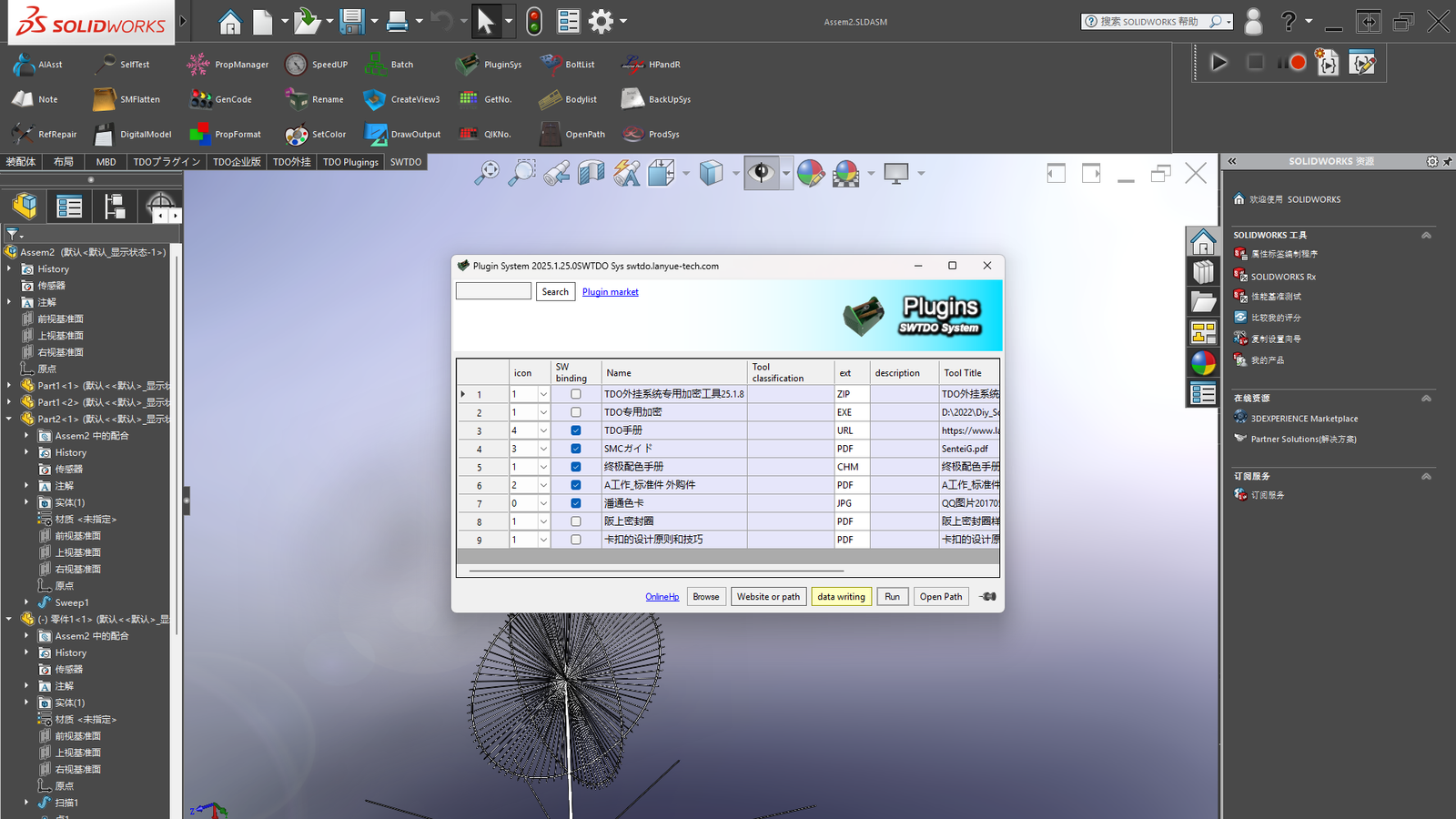
🚀 Extensibility
The External System supports any mechanical design software or file, including macros — virtually unlimited functionality expansion.
SWTDO vs Legacy Add-in
Compare the value, performance, and simplicity.
Frequently Asked Questions
1. Can I try it for free?
Yes. Click here to download, then register with your email to start a 7-day full-featured trial. No credit card required.
2. How do I purchase?
Please add to cart and checkout. If you encounter any problems during the purchase process, you can also pay via PayPal.me. Please be sure to provide your email address.
3. What if my computer can’t connect to the internet ?
Please purchase the Node-Loked version. After activation, it can be used without an internet connection.
4. What happens after payment?
• Node-Loked version: Launch SolidWorks → Guidance & Activation → Register this computer → Send machine code → Wait for email → Enter activation code.
• Time-Based version: No action required; we will process your request within 24 hours.
5. Need help?
Contact email: 14136837@qq.com Please use “[SWTDO Overseas Subscription]” in the email subject line for faster processing.
🛡️7-day no-questions-asked money-back guarantee
Not satisfied? We offer a full refund within 7 days, no questions asked.
Try SWTDO now
© Beijing Lanyue Technology Co., Ltd. | Software Copyright · Trademark · UI Art Copyright | Domestic Genuine Product, Compliant with Corporate Legal Requirements