


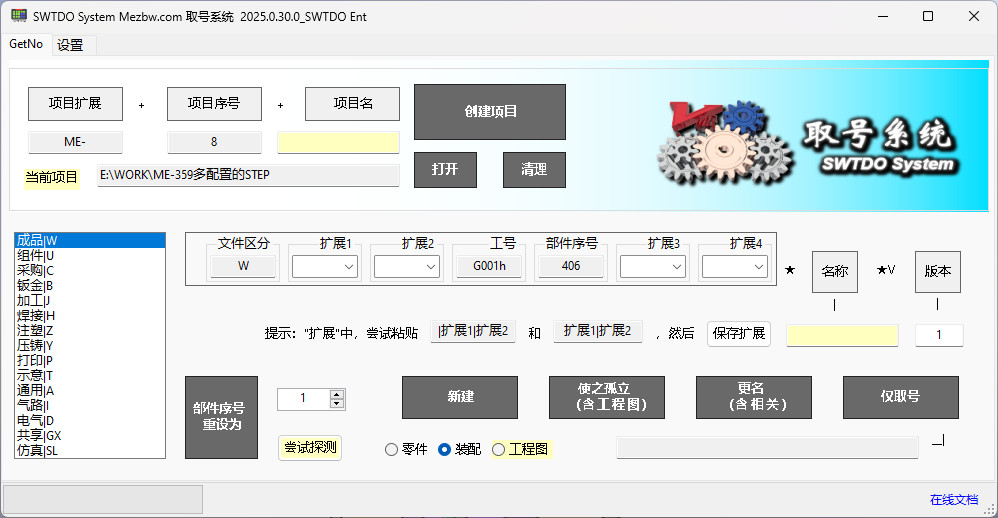
The project of the numbering system will automatically switch projects based on the SW file in the 1. SW file of any project currently open in SW, without the need for manual intervention.
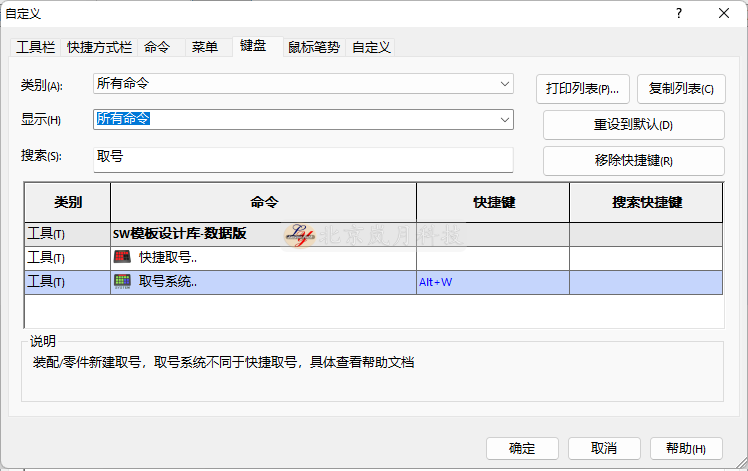
Recommend users to define a shortcut key for starting the numbering system, such as Alt+W, as follows
 SW
SW
Code composition, consisting of extension 1~extension 4+job number+serial number
Job number and serial number, modified through SW tool – initialization
Extended modifications, refer to prompts
Attention should be paid to:
The role of the first ‘|’ will determine whether the extension is enabled by default. Once the default extension is enabled, the code will not be limited to the numbering system, but will also determine the batch operation results of ‘intelligent renaming’
For more detailed operations, please refer to the video
Reference renaming, different from intelligent renaming and quick renaming, this renaming does not support assembly multi selection, only single selection. The numbering system renaming does not support attribute priority, does not follow file differentiation and avoidance, and fine tunes individual parts (including related), including engineering drawings, including reference assembly, all updated.
Assembly form: Assembly 1=Part 1+Part 2
Renamed: 111_ Assembly 1=222_ Parts 1+333_ Parts 2
After renaming, due to part 1, it has been updated to 222_ part 1, so drawing part 1. SLDDRW will be renamed 222_ part 1. SLDDRW
Equivalent to the function of “making it independent” in assembly, which breaks the reference relationship of files, especially arrays
difference:
If there is an engineering drawing for the component, it will be copied together, and the file will be formatted with attributes, assigned file differentiation attributes, and version attributes.
Application Scenario:
Made a flange plate and completed the engineering drawing. If you want to make a flange plate with a similar second feature, you need to redo the engineering drawing. Isolation will create a second flange plate, and you can directly use the isolated version of the current engineering drawing to dig a bearing hole on the basis of the second flange plate.
Isolated support parts, support single selection under assembly.
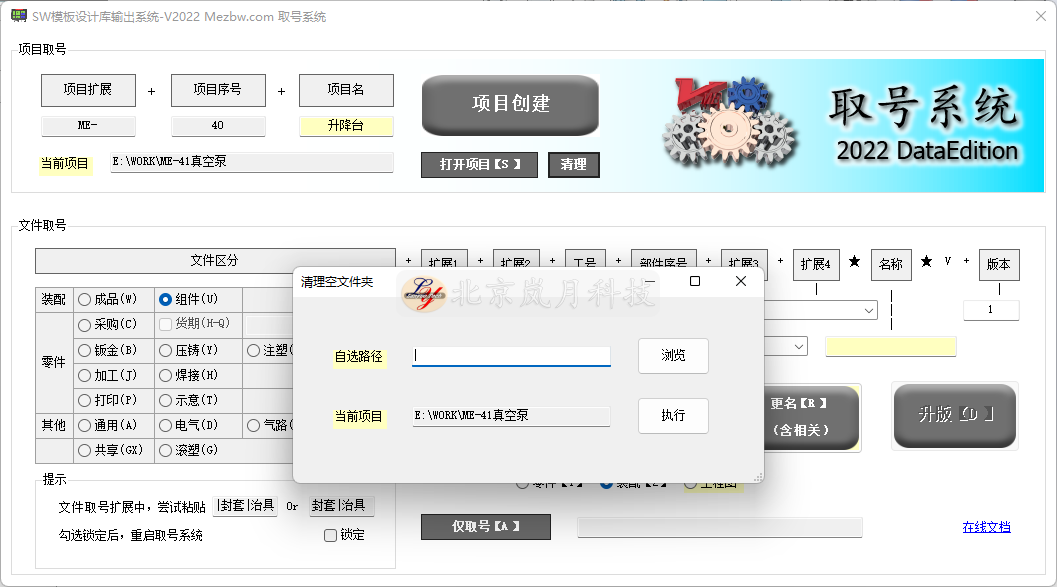
The cleaning command is used to clear empty folders and includes all subfolders, divided into cleaning for the current project and cleaning for any path.
For any path, all empty folders will be cleared.