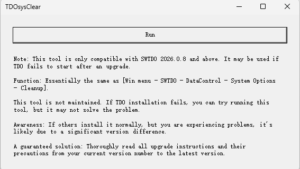
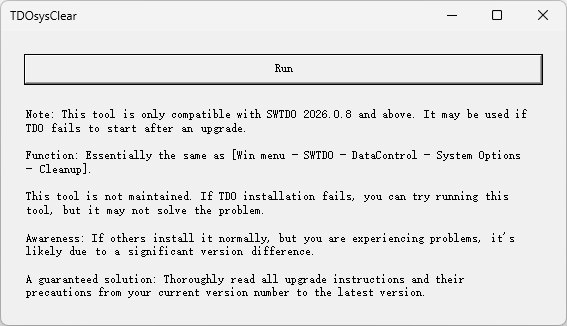
Function: Basically the same as 【Win menu – SWTDO – DataControl – System Options – Cleanup】
- Clean up all menus in TDO
- Clear database
- Clear all configuration files
- Clear temporary files and cache files
Note: This tool is only compatible with SWTDO 2026.0.8 and above. If TDO fails to start after upgrading and installation, this tool may not be suitable.
This tool is not maintained. If TDO installation fails, you can try running it.
Note: If others can install it normally, but you are the only one having problems, it is most likely because you are using too many different versions.
Because software upgrades do not update your personal files on your PC, the items cleaned up above are all personal files.
A sure-fire way to solve the problem: Read through all the upgrade notes in the upgrade instructions from your current version number to the latest version.